
01 / SCREENSHOT
One picture, every subscription.
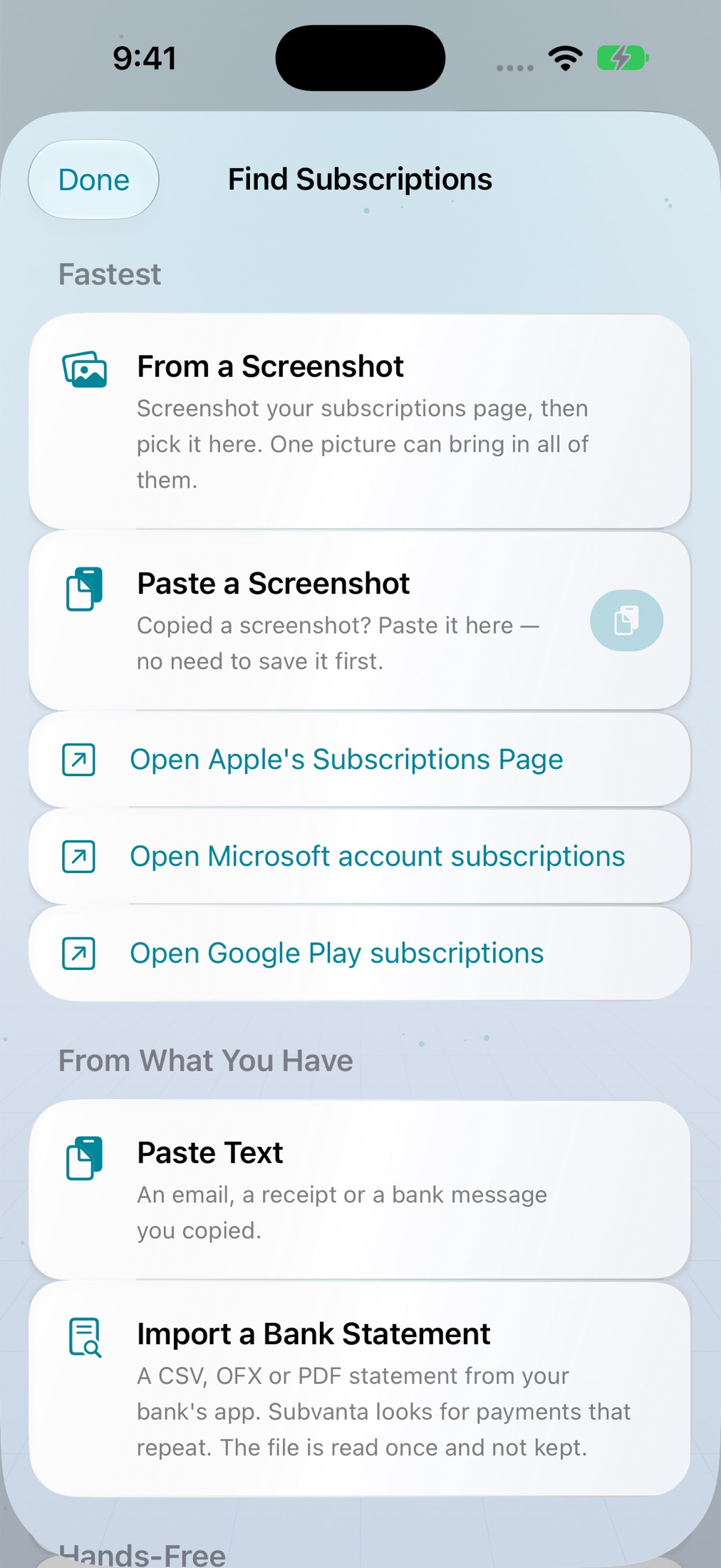
Open your Apple, Google Play or Microsoft subscriptions page, take a screenshot, and paste it in. Services, prices and renewal dates come out in one go.
New in 2.0 · now on iPhone and Windows
Show Subvanta a screenshot of your subscriptions page, a receipt or a bank statement and it finds every subscription for you — read on your device, added only when you say so. Then see what they really cost, before they renew.
New in 2.0
Subvanta 2.0 reads the places your subscriptions already show up — and asks before it adds anything.
Open your Apple, Google Play or Microsoft subscriptions page, take a screenshot, and paste it in. Services, prices and renewal dates come out in one go.
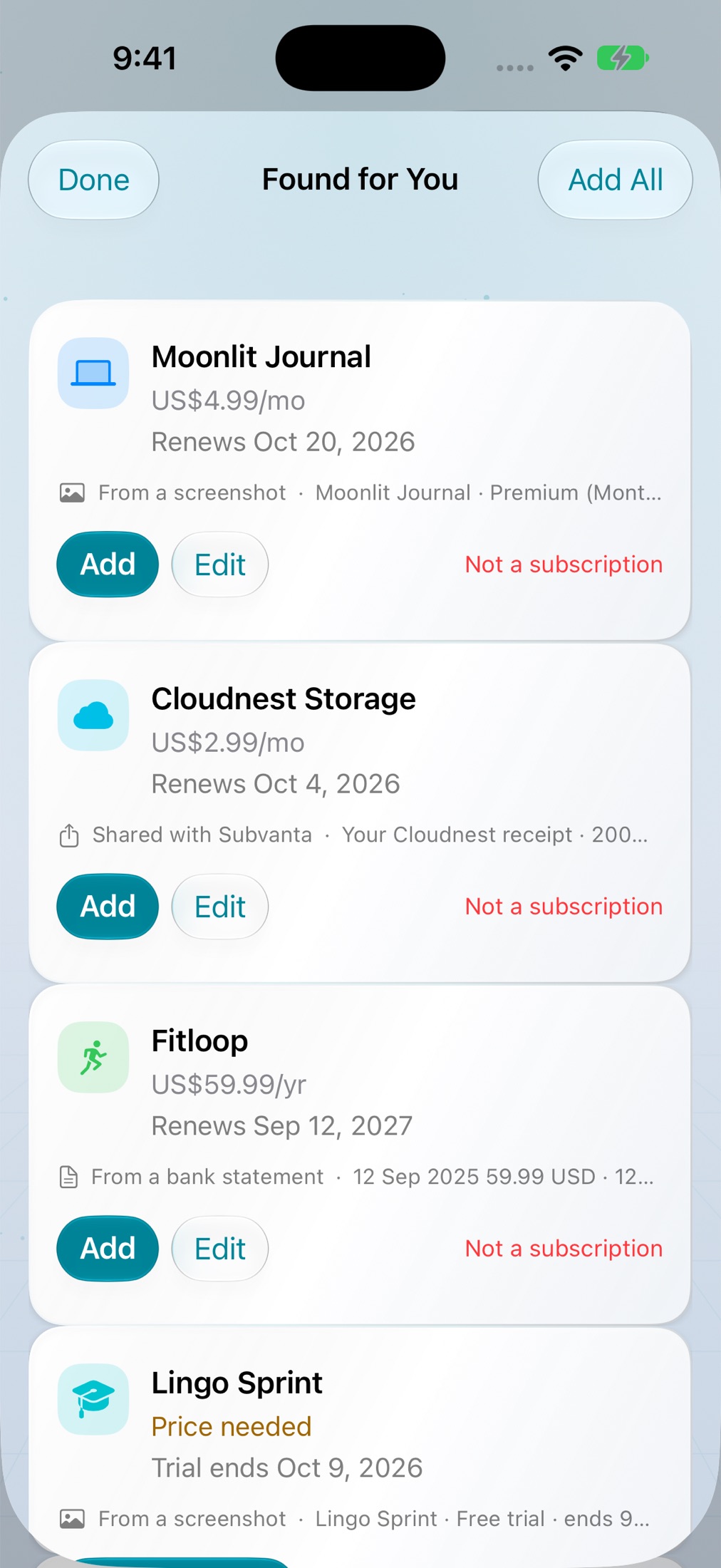
Everything waits in Found for You. Already tracking it? Replace it with the new price, or skip it — no duplicates.
Now on Windows
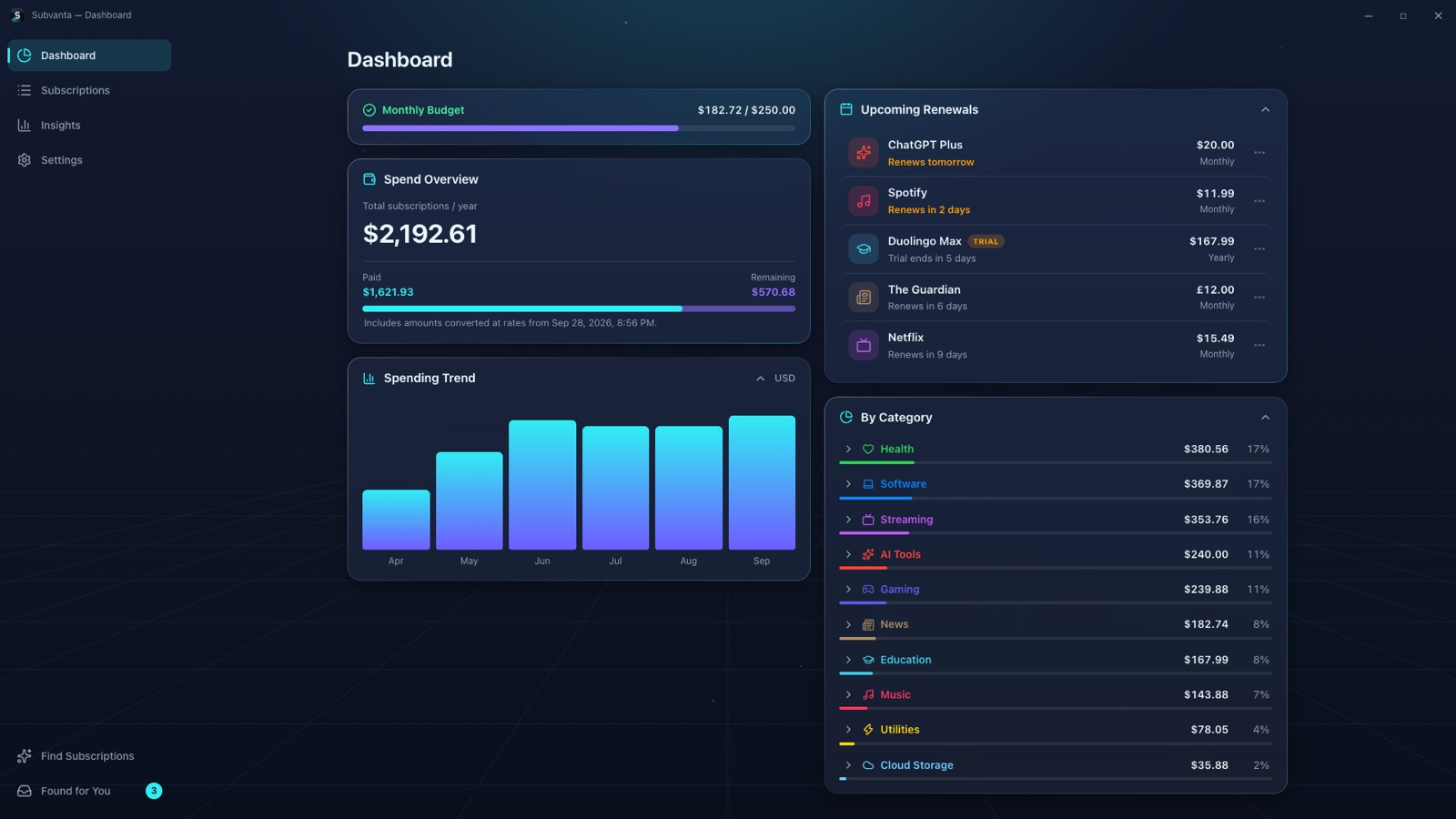
Subvanta for Windows has everything the iPhone app has — finding subscriptions from screenshots and statements, insights, reminders, 13 languages — plus keyboard shortcuts and Ctrl+V for a copied screenshot.
Make the invisible visible
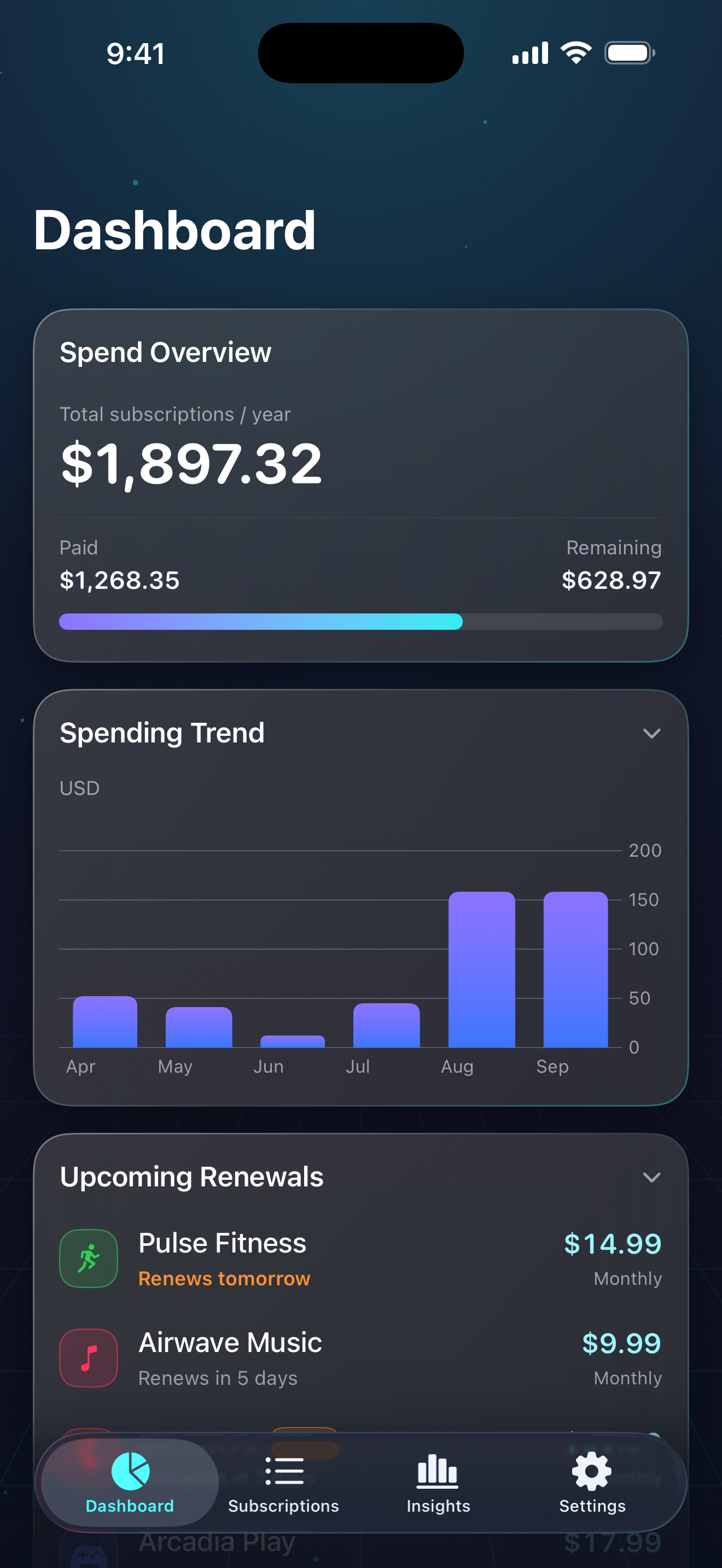
A monthly price can look harmless by itself. Subvanta shows what that price becomes over a year — and gives you the context to decide what still earns its place.
Thirty seconds
Every frame is the real app — one yearly total across currencies, what is due next, and the number almost no tracker keeps: what cancelling actually saved you.
Inside Subvanta
The interface stays focused on the questions recurring spend creates: What is coming up? Where is it going? What can I change?
Yearly cost, spending trends, and upcoming renewals at a glance.
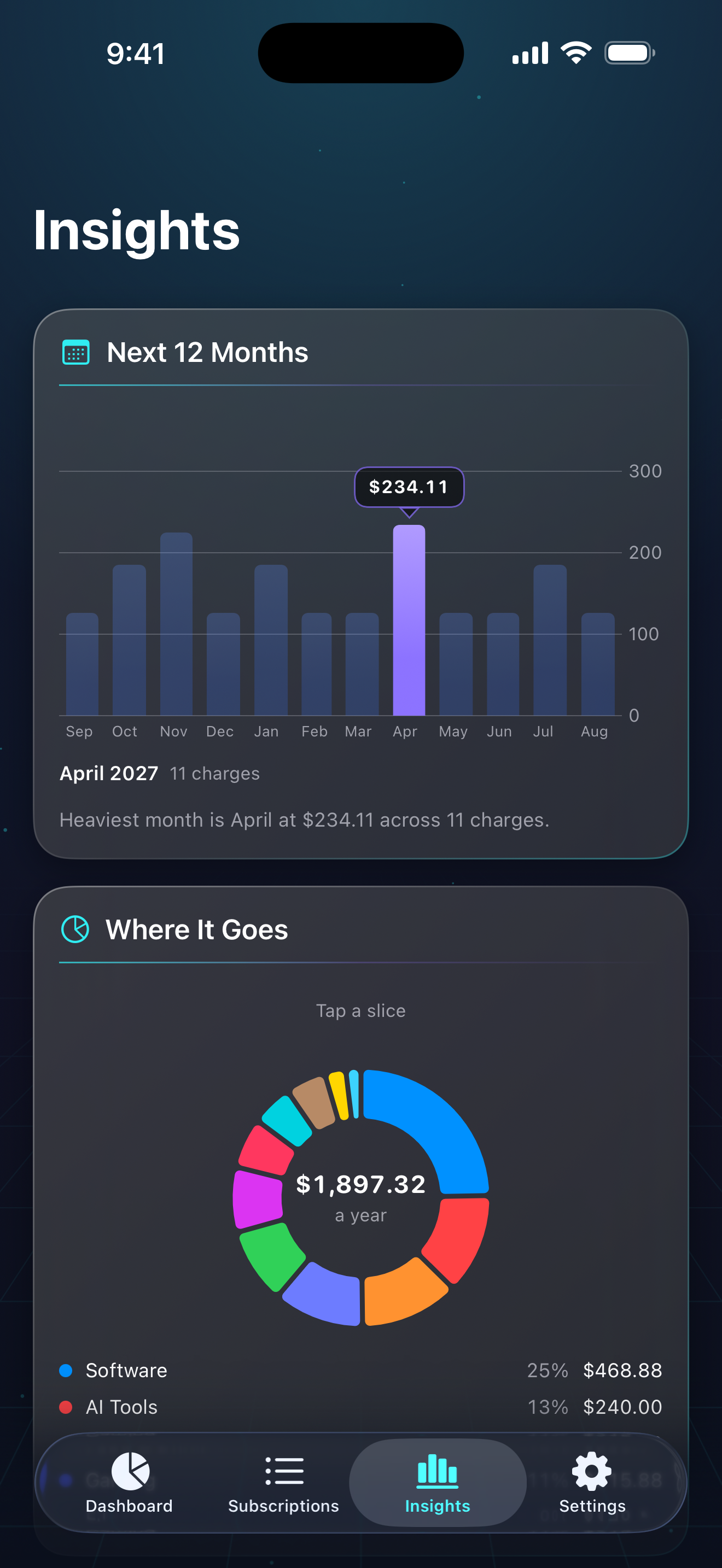
Understand the months and categories doing the most work on your budget.
Make cancelled subscriptions feel tangible with a clear view of the money kept.
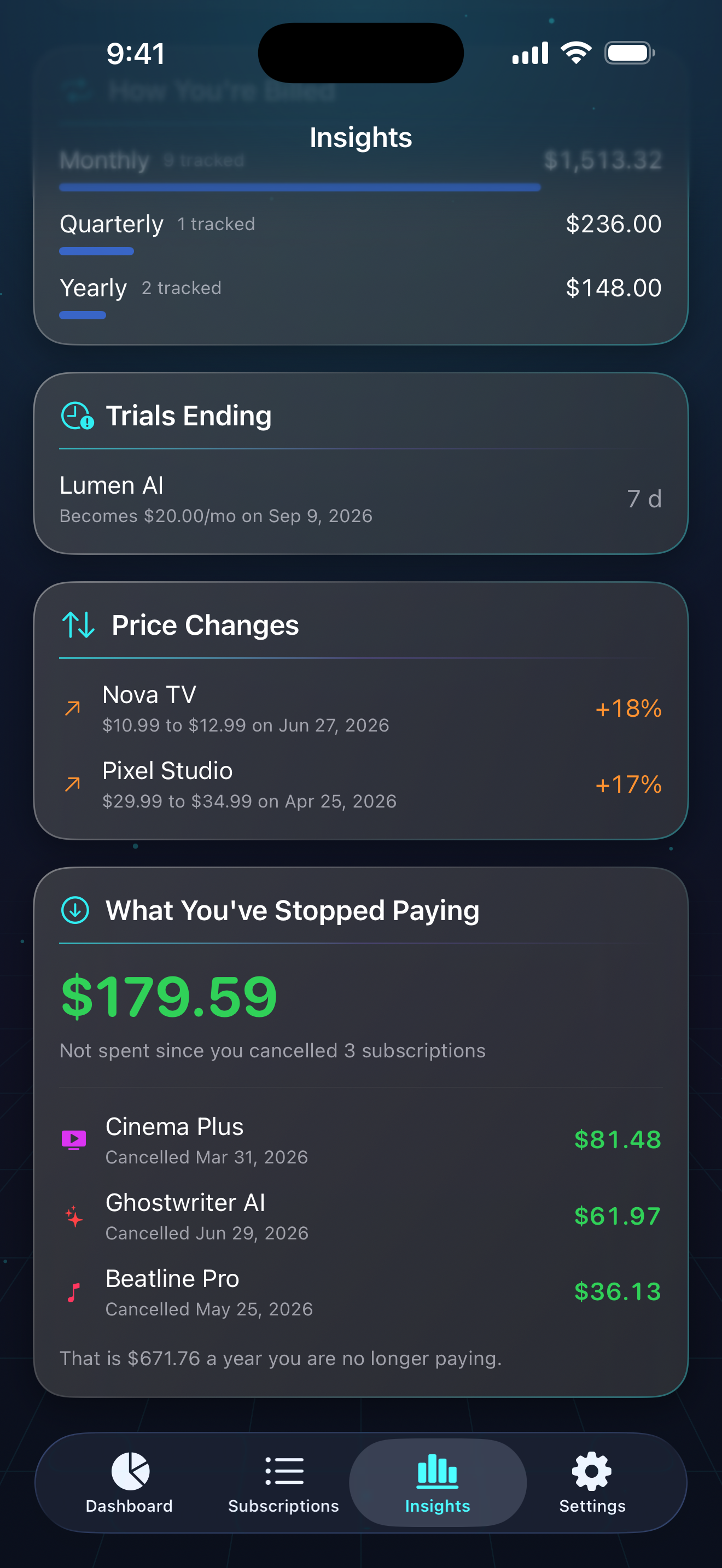
Keep active plans, trial dates, prices, and billing cycles easy to scan.
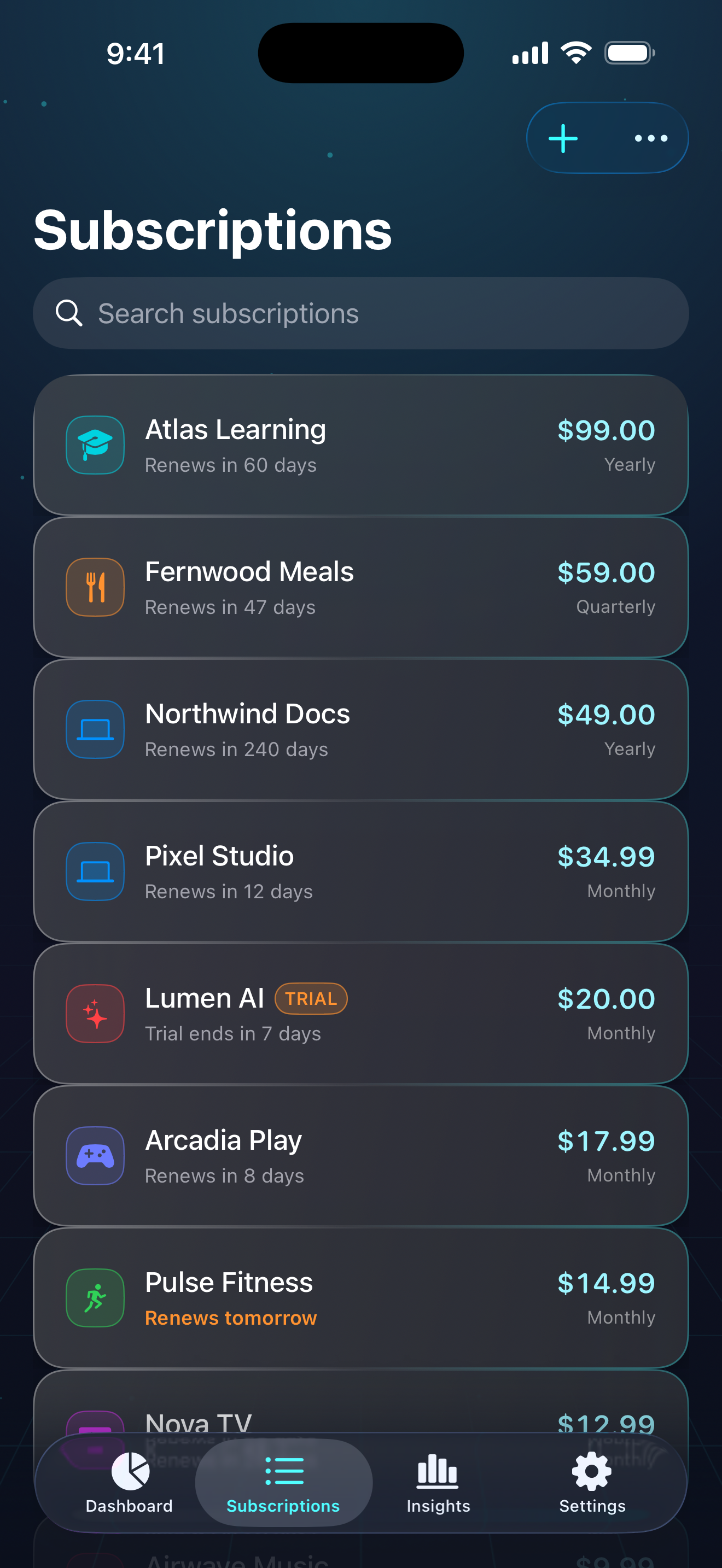
Group recurring spend into useful categories and see the balance at a glance.
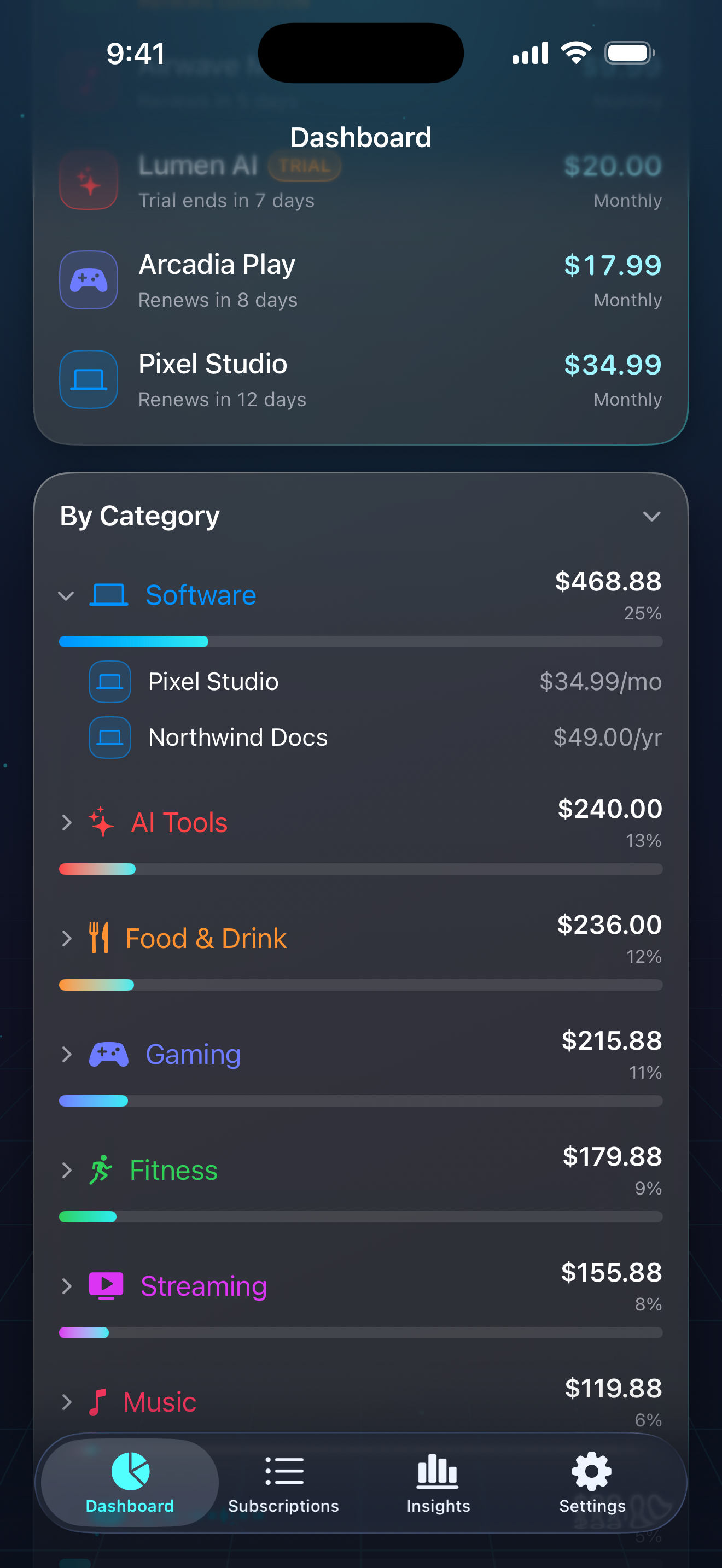
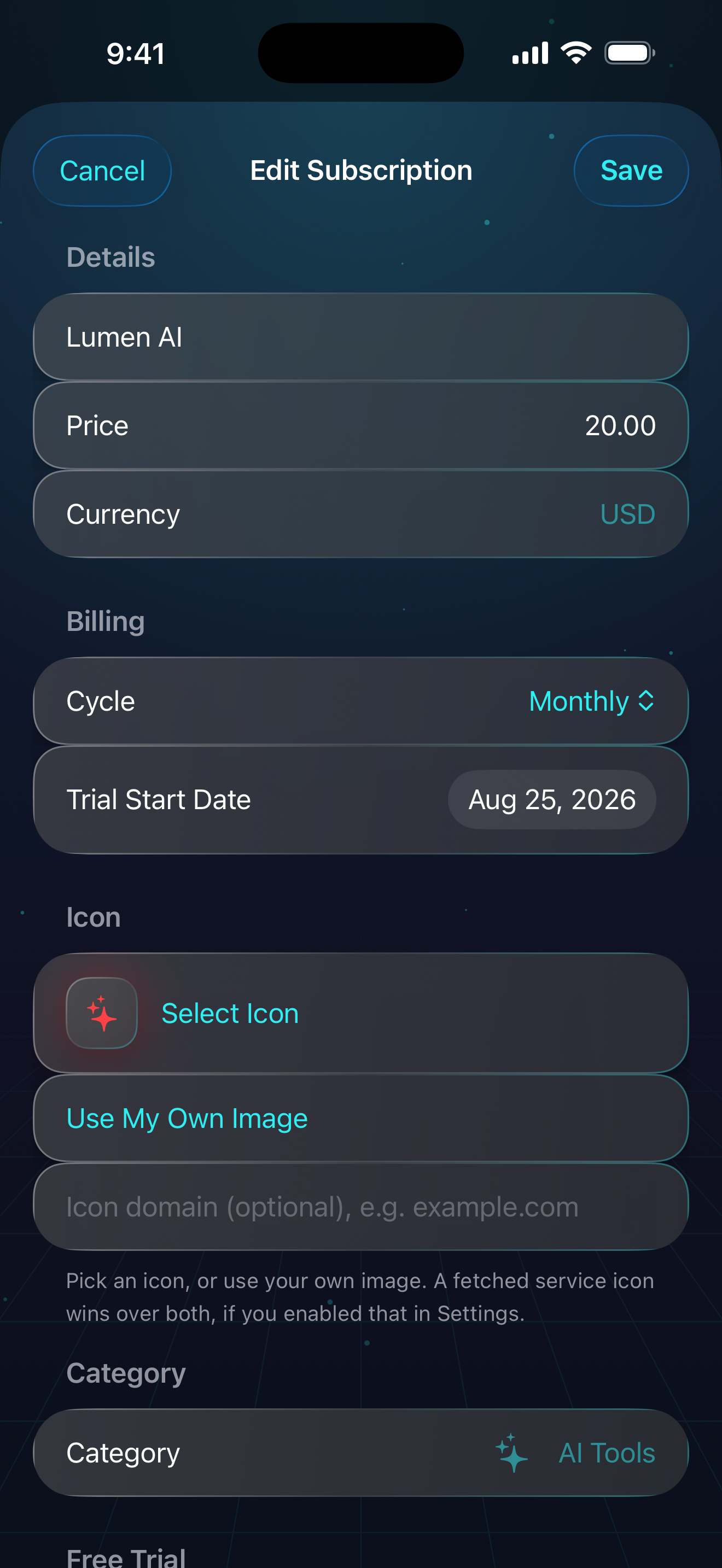
Add a subscription in seconds and make the record as specific as you need.
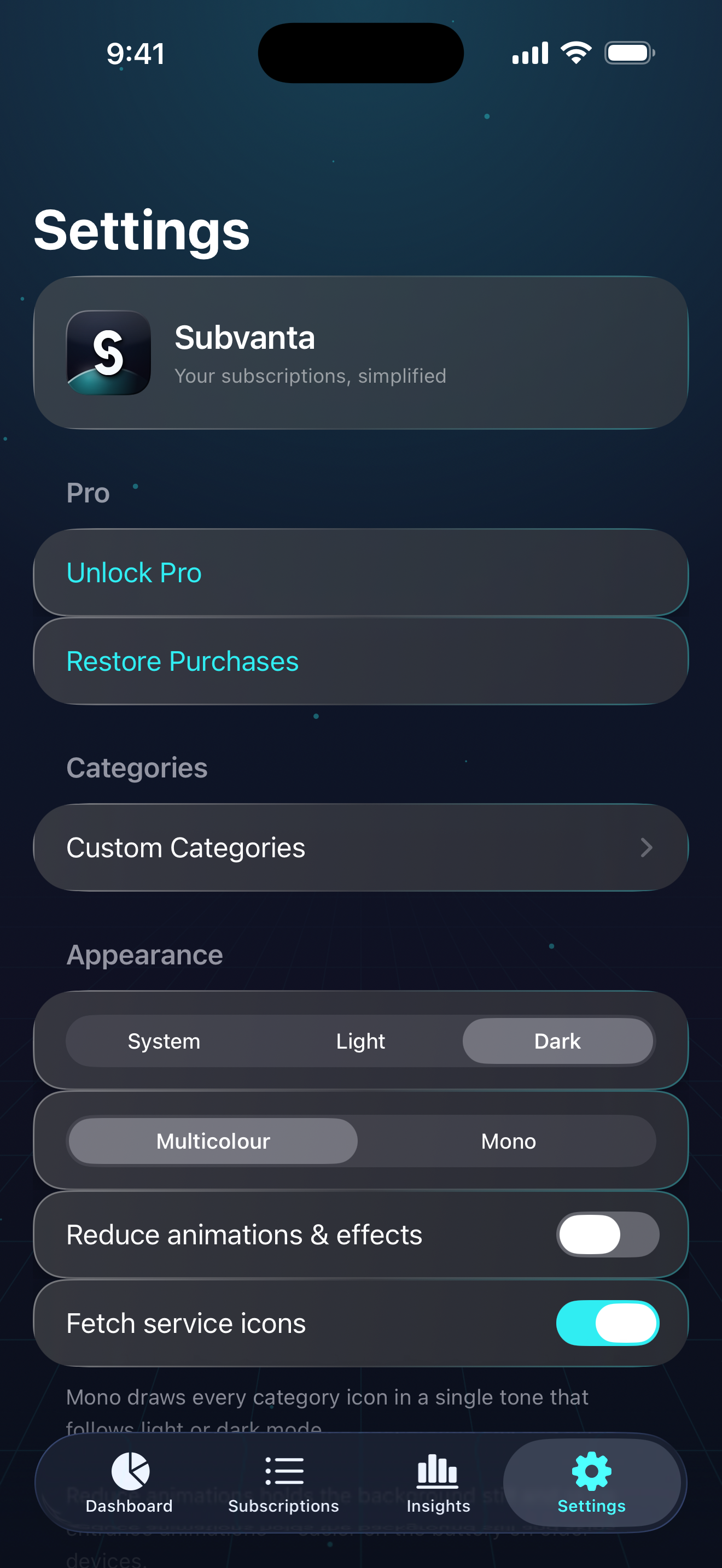
Choose how Subvanta looks and how it fits into your everyday tracking.
Simple by design
Subvanta finds what you pay for, then leaves every decision to you. Keep what earns its place, and see what cancelling saves.
Good questions
A subscription tracker should not create another subscription-sized headache.
No. There is no bank login. Subvanta can read a statement file you export yourself, or a screenshot or receipt — on your device — and nothing is added until you confirm it.
Yes. Subvanta for Windows is in the Microsoft Store with the same features. Free for five subscriptions; Pro is a one-time purchase.
On the iPhone, create a folder in iCloud Drive with the Files app (for example “Subvanta Sync”), then in Subvanta go to Settings ▸ Windows PC, turn on Sync with Windows and choose that folder. On the PC, install iCloud for Windows with iCloud Drive on, then in Subvanta for Windows turn on Sync with iPhone and choose the same folder. Your data only travels through your own iCloud Drive.
Yes. Add a free-trial start date, see when it ends, and use Insights to review price changes and stopped subscriptions.
Your records are stored on your device. See the Privacy Policy for the complete details.
Visit Support & FAQ for answers or email the support address listed there.